Reality Check
How Can You Tell If a Product Video Was Made With AI?
Quick answer
Check four things in order: the platform's AI label, the video file's Content Credentials, a SynthID scan in the Gemini app, and the picture itself for garbled text and odd hands. None of them proves a video is real, and Google's scanner only recognizes Google's own AI watermark. If a clip passes, check that the product has an official page and a real seller.
On this page
- Can you spot an AI product video just by watching it?
- What do YouTube, Meta and TikTok label as AI?
- How do you scan a video for Google's SynthID watermark?
- What do Content Credentials tell you about a video?
- If the video is AI-made, is the product fake?
- What is a quick routine before you pay?
- FAQ
- Sources
AI video tools can now produce realistic scenes of things that never happened, and YouTube's own rules say so: a "realistic scene that didn't actually occur" is one of the cases creators must disclose. Product ads are an easy place for that. Some clips come from honest companies showing a concept. Others come from sellers with nothing to ship. The video alone rarely tells you which.
This guide covers the video itself: the labels platforms add, two ways to scan a file, and what each result does and does not mean. For the company, price and payment checks that come next, use my 8-check guide to fake gadget videos. I read every source below on November 3, 2026.
Can you spot an AI product video just by watching it?
Sometimes, but not reliably. Google's Gemini help page lists the usual giveaways: garbled or inconsistent text, errors in small details such as hands, teeth or background elements, inconsistent shadows and lighting, and repetitive patterns that look unnatural. Google presents them as one method among several, next to reverse image search and a look at a file's metadata.
On product videos I add three habits of my own. They are not from any official source:
- Read every word on the product, from the logo to the screen text, and see whether it stays the same from shot to shot.
- Look for one uncut shot in which a real hand uses the product from start to finish.
- Check that the demo shows the hard part of the claim, not only a finished result.
My read: these catch careless fakes, and they will catch fewer as the tools improve, so I never stop at the eye test.
What do YouTube, Meta and TikTok label as AI?
Platforms rely on two signals: the creator says the video is AI-made, or the file carries data that says so. Here is what each one says it does.
| Platform | What it says it does | Where to look |
|---|---|---|
| YouTube | Requires creators to disclose realistic AI content with the "AI use" setting. It can also label automatically videos made with its AI tools, videos with C2PA metadata and videos its systems detect as AI. | On the player for photorealistic content, or in the expanded description |
| Meta (Facebook, Instagram) | Adds an "AI info" label when it detects industry-standard AI signals or when the poster discloses. Since a June 1, 2026 update, it says it also detects ads made or edited with third-party AI tools and labels them. | On an ad, inside "About this ad" in the three-dot menu |
| TikTok | Labels content made with its AI effects, requires creators to label realistic AI content, and reads C2PA Content Credentials to label content from other platforms. | On the video; TikTok said in 2024 that coverage would grow gradually |
AI labels by platform, from each company's own pages. Meta and YouTube pages were read on Nov. 3, 2026; TikTok's post is from May 2024.
The common thread is that a label shows only what the creator admitted or what the file's data revealed. No label means nothing was flagged, not that the video is real.
A label also says nothing about the product. YouTube's own list of videos that need disclosure includes "AI generated extra footage of a real place, like a video of a surfer in Maui for a promotional travel video," so an ordinary promo can carry one. The same list includes "making it appear as if someone gave advice that they did not actually give," which is exactly what a fake testimonial does.
How do you scan a video for Google's SynthID watermark?
SynthID is an invisible watermark that Google's AI models embed in what they generate. Since December 18, 2025, the Gemini app can look for it in both the audio and the visuals of a video. The steps from Google's help page:
- Sign in to Gemini at gemini.google.com or in the app, with a personal account or a qualified Workspace account.
- Click Add files and upload one video. It must be 100 MB or smaller and under 90 seconds.
- Ask a question such as "Was this created or edited by Google AI?" or "Is this a real video?"
If Gemini finds a watermark, the help page says all or part of the video was created or edited by Google's AI models, and for video it says which parts. Google's example answer reads: "SynthID detected within the audio between 10-20 secs. No SynthID detected in the visuals." The tool needs a file, so you need the video itself, from a message, an email or a site that lets you save it.
The result you most need to read carefully is the empty one. If no watermark is detected, the help page says the video wasn't created or edited by Google AI, "but it could have been created by other AI systems." It also says Gemini can currently recognize only content from Google's AI tools. Sometimes the answer is unclear, for reasons such as "Not enough details to watermark" or "Likely too small an edit."
Google adds that the watermark usually survives resizing, recoloring and compression, but that after many alterations it may not be detected. My read: a clip that has been downloaded, edited and re-posted several times is where I would trust a "not detected" the least. The help page does not say what to do with a clip longer than 90 seconds.
What do Content Credentials tell you about a video?
Content Credentials are a signed record of a file's origin and edit history, built on the C2PA standard. When a video carries them, Gemini can show a summary of the media's composition, its edit history and whether AI was used, along with the company that signed the information, such as "Info by Google LLC." TikTok said in 2024 that it would attach Content Credentials to its own content so that C2PA's Verify tool can read them.
Two limits matter. First, C2PA's own explainer says Content Credentials make no judgment on whether content is "true." They show whether the history is well formed, free of tampering and signed by a trusted source. Second, that history can be stripped: asked whether provenance data can be removed, the explainer answers "Yes it can." Google's help page adds that Gemini supports credentials from products on the C2PA conforming list, and that credentials stored remotely, away from the file, are not supported.
So a valid record is useful, and a missing one tells you nothing. Here is how I read each result.
| Result | What it means | What it does not mean |
|---|---|---|
| An AI label on the video | Someone disclosed it, or a signal in the file was detected | Anything about whether the product exists |
| SynthID detected | All or part of it was created or edited by Google AI | That the seller is dishonest |
| SynthID not detected | Google AI did not make it, or the edit was too small to show | That a camera recorded it, since other AI tools exist |
| Content Credentials present and valid | A signed history of the file | That what the video claims is true |
| No Content Credentials | Nothing: they may never have been added, or may have been removed | That the video is fake |
What each check can and cannot tell you. Built from the Google, YouTube, Meta, TikTok and C2PA sources in the list below.
If the video is AI-made, is the product fake?
Not necessarily, and that is the part people get wrong in both directions. A video check answers one question: did a camera record this? Your purchase depends on a different one: does the product exist, and will it ship? A company can show a real product in an AI-made clip, and a seller can show a flawless real recording of something that is not for sale.
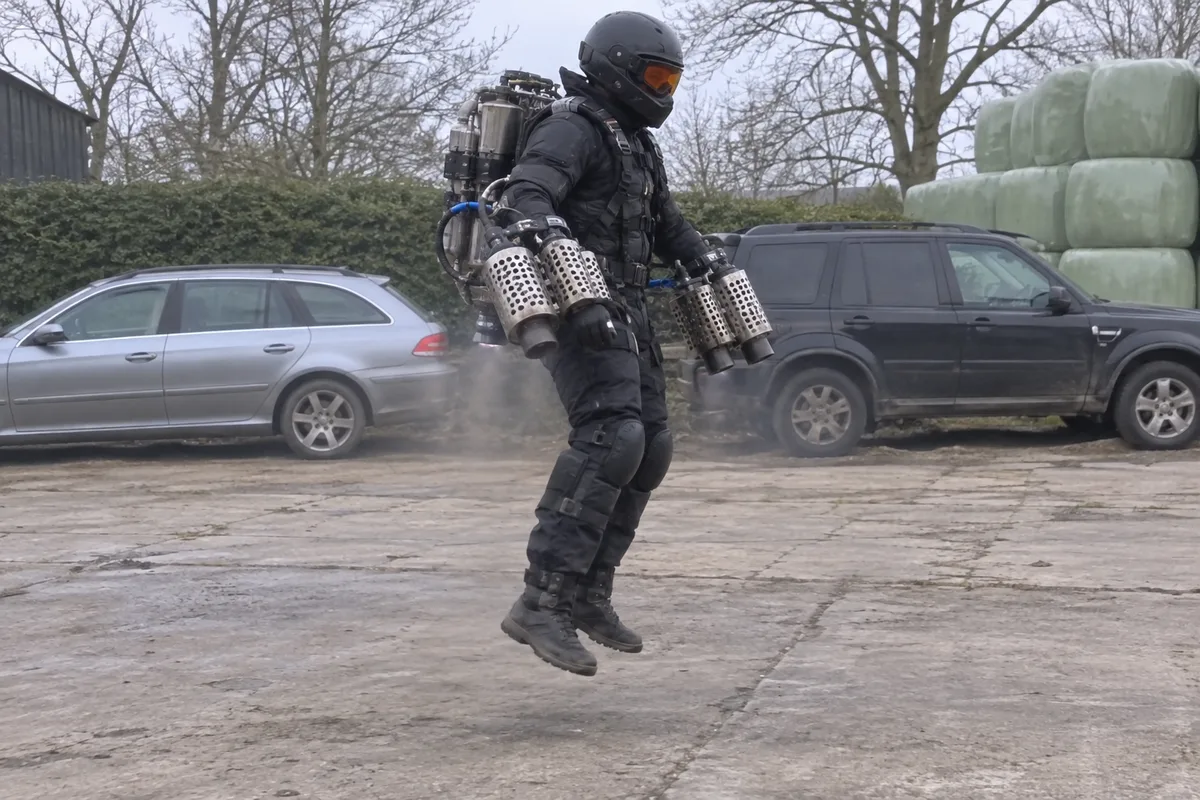
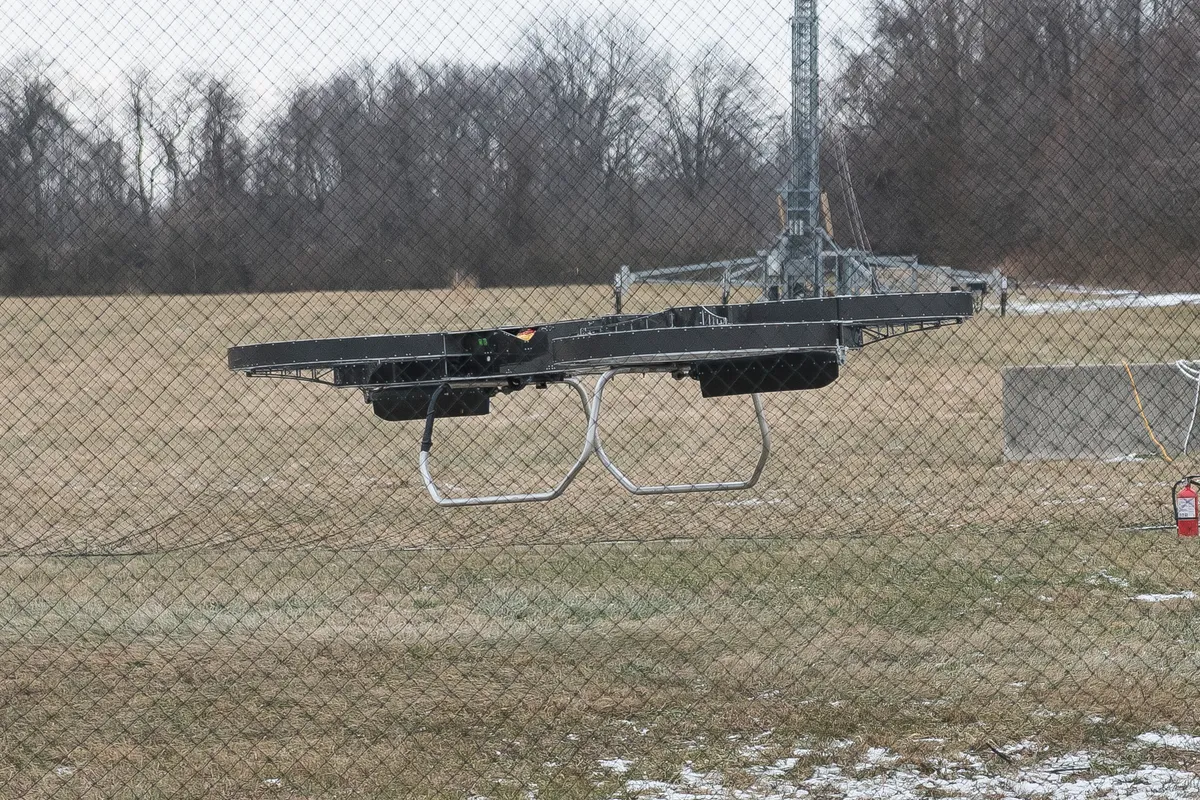
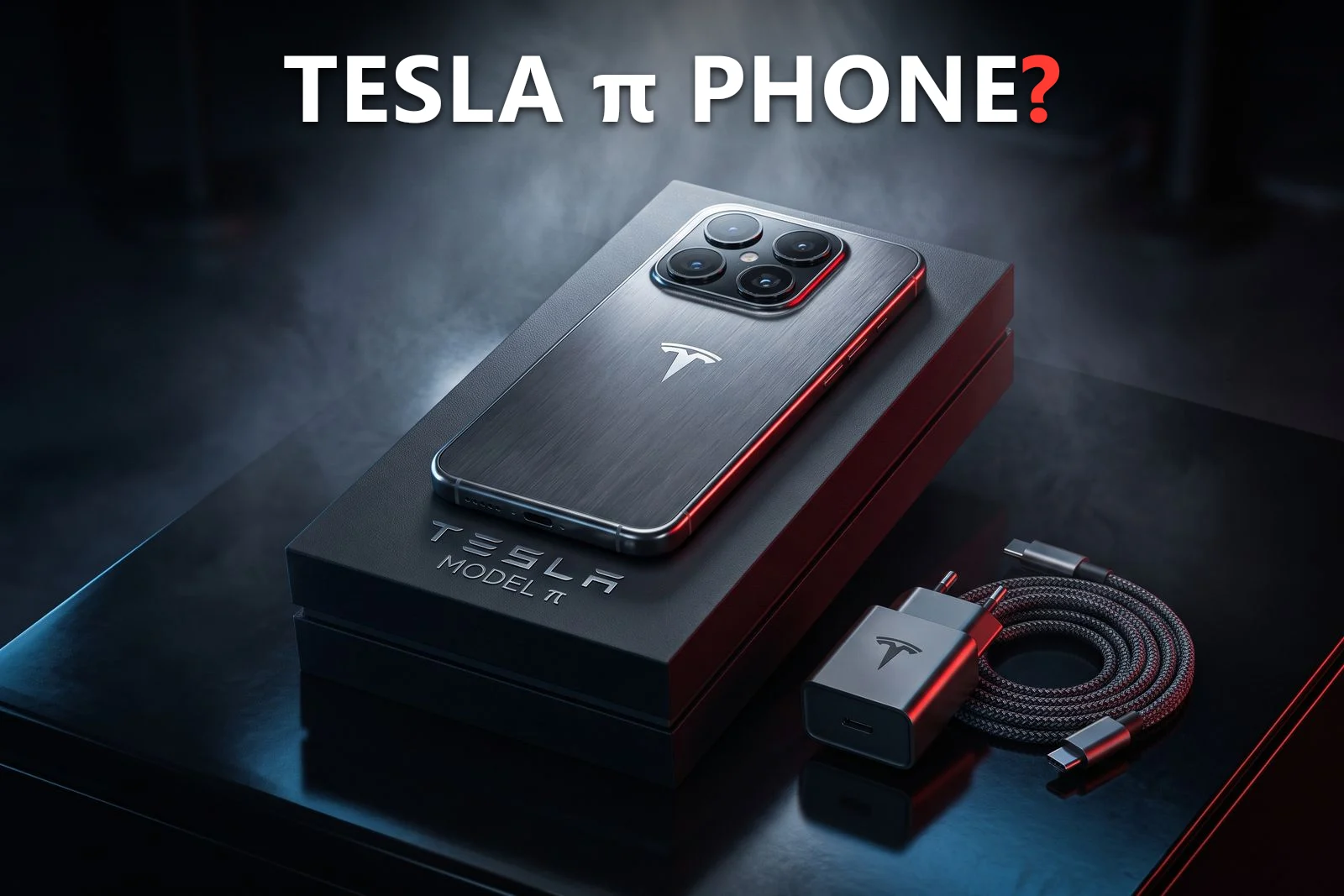
My article on laundry-folding machines is the second case: the demo videos were real, and the product never reached stores. The first is closer to the Tesla phone, where renders and posts spread a product the maker had never announced. And some claims fail on physics before any scan, such as the car that supposedly runs on water or the viral clips I checked in the hoverbike article.
So use the video checks to decide how much weight the footage deserves. Then let the product's own proof carry the decision: a site you reach by typing the brand yourself, with specifications, pricing and a way to reach support, plus coverage from outlets that tested it.
What is a quick routine before you pay?
- Look for a label on the player, in the description or in the ad's three-dot menu.
- If you have the file and it is under 90 seconds, run it through Gemini.
- If it carries Content Credentials, read them.
- Run my three product habits: matching text, one uncut shot, the hard part shown.
- Find the product's official site yourself and run the eight checks on the company, the price and the payment method.
If a step stays unclear, I would wait. A real product will still be for sale next week, and a clip that only works under time pressure was not built for a careful buyer.
Frequently asked questions
Can you tell for sure whether a product video is AI-generated?
No. Google says Content Credentials don't tell you whether a file is definitely AI-generated, and its SynthID scan recognizes only content made with Google's own AI tools. Use the checks as evidence, not as a verdict.
How do I check whether a video was made with Google AI?
Upload the video file to the Gemini app or gemini.google.com while signed in, then ask whether it was created or edited by Google AI. The file must be 100 MB or smaller and under 90 seconds, according to Google's help page.
Does "SynthID not detected" mean the video is real?
No. Google says that means Google AI did not create or edit it, but other AI systems could have. Many edits and re-uploads can also make a watermark harder to detect.
Does an AI label mean a product is a scam?
No. A label shows that the creator disclosed AI use or that the platform detected a signal. YouTube's own examples include ordinary promotional footage, so an honest company can carry a label. It tells you about the video, not the seller.
Do YouTube, Meta and TikTok require labels on realistic AI video?
YouTube requires creators to disclose realistic AI-generated or meaningfully altered content. Meta says organic posts with photorealistic video must use its disclosure tool, and TikTok said in May 2024 that it had required creators to label realistic AI content for over a year.
What are Content Credentials?
They are a signed record of a file's origin and edit history, defined by the C2PA standard. They show whether that history is intact and from a trusted signer, not whether the content is true, and they can be removed from a file.
What if my video is longer than 90 seconds?
Google's help page sets the limit at under 90 seconds per video and does not say what to do with longer clips. I would rely on the label, the Content Credentials and the product checks instead.
Sources
- Google Gemini Apps Help: Verify AI-generated images, videos, and audio, read Nov. 3, 2026
- Google: Verify Google AI-generated videos in the Gemini app (Dec. 18, 2025)
- YouTube Help: Disclosing use of GenAI content, read Nov. 3, 2026
- Meta: Our approach to labeling AI-generated content and manipulated media (Apr. 2024, updated July 1, 2024)
- Meta: Expanding GenAI transparency for Meta's ads products (Feb. 3, 2025, updated June 1, 2026)
- Meta: How Meta is preparing for the 2026 US midterm elections (Feb. 19, 2026), AI label section
- TikTok Newsroom: Partnering with our industry to advance AI transparency and literacy (May 9, 2024)
- C2PA: Content Credentials explainer, version 2.4, read Nov. 3, 2026
- C2PA: Content Credentials, read Nov. 3, 2026

Founder and editor, Novaverum
I write Novaverum to separate the technology you can really buy from the demos, concepts and viral fakes, starting from what the companies, regulators and engineers publish. Every article lists its sources at the end.